





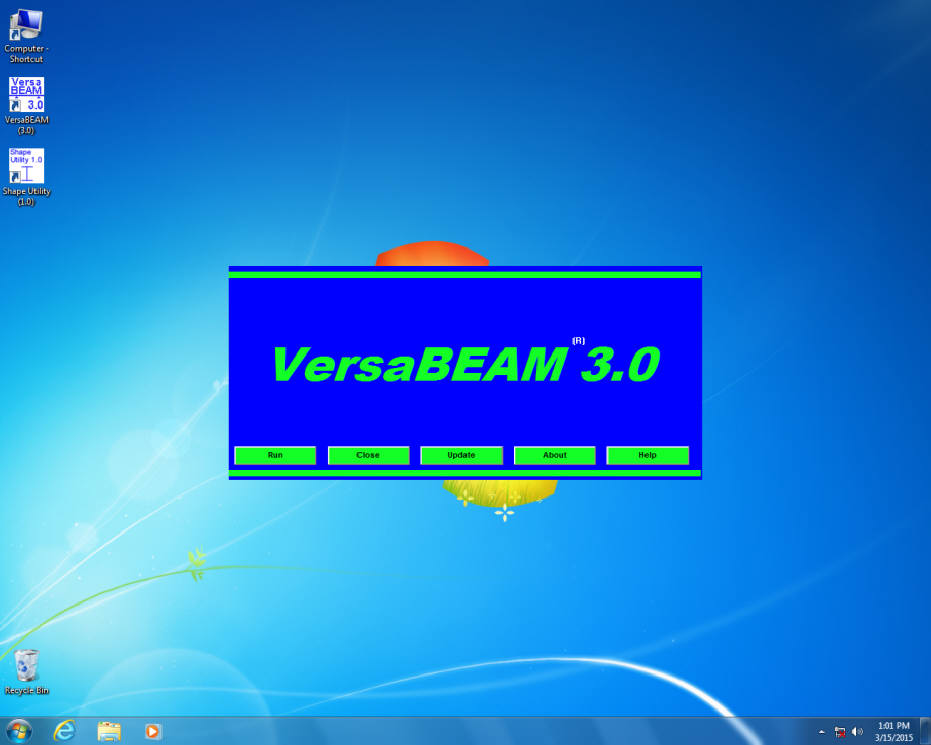
VersaBEAM 3.0 opening window
VersaBEAM Screen Views!
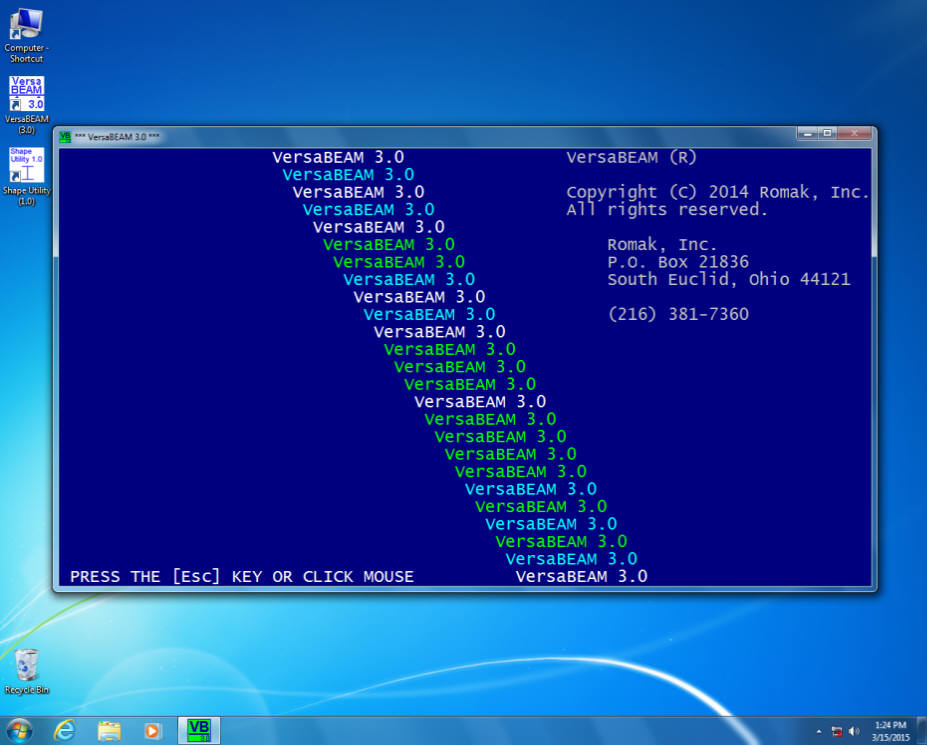
VersaBEAM 3.0 startup screen
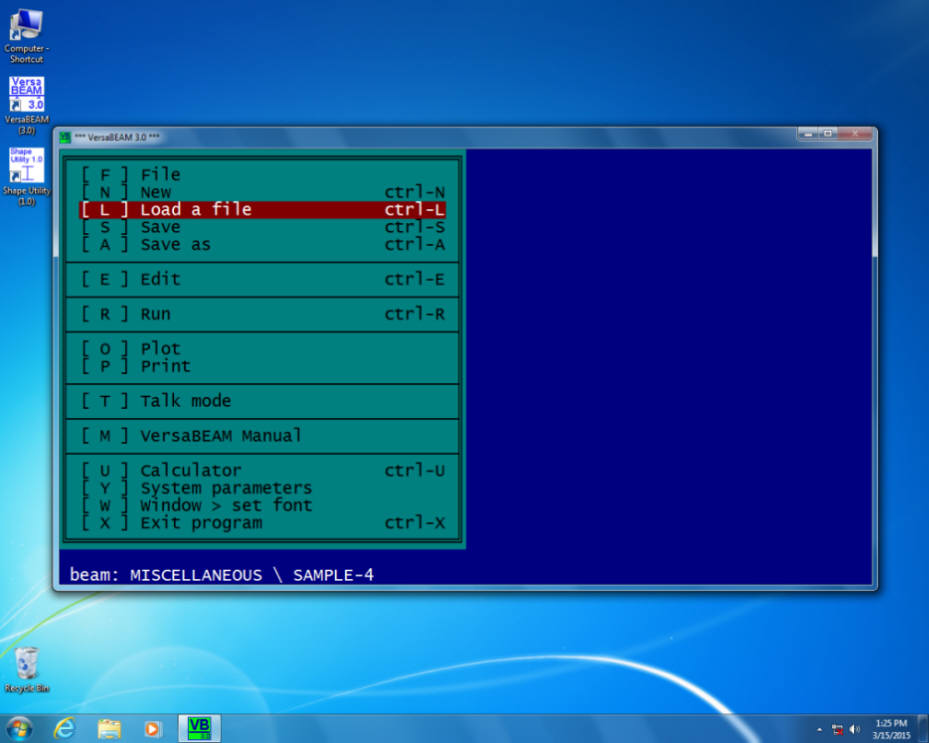
VersaBEAM 3.0 main menu screen
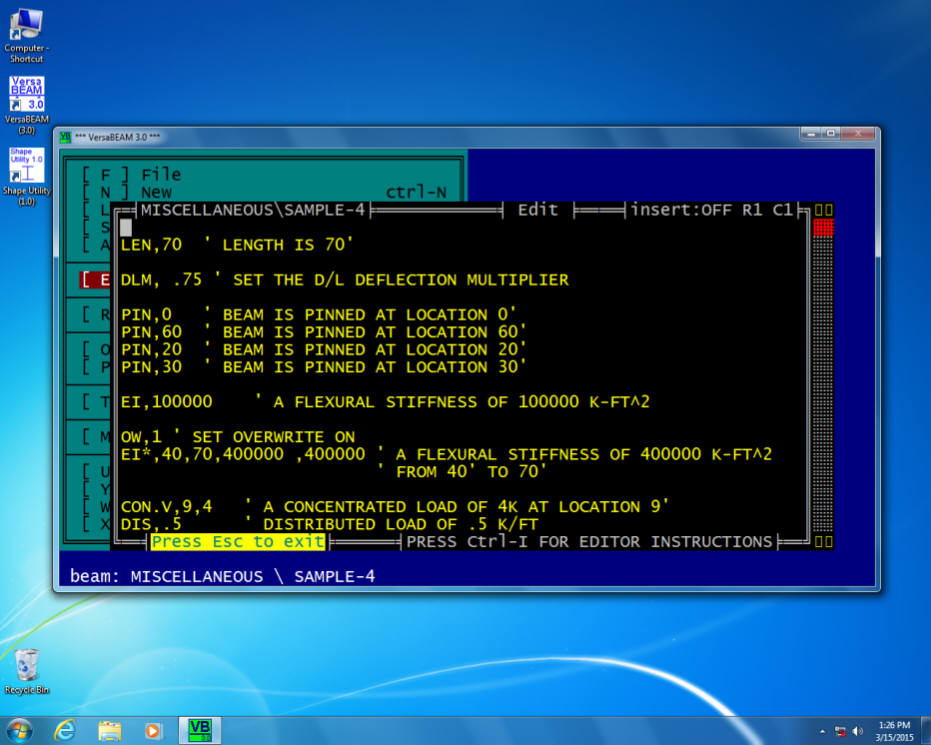
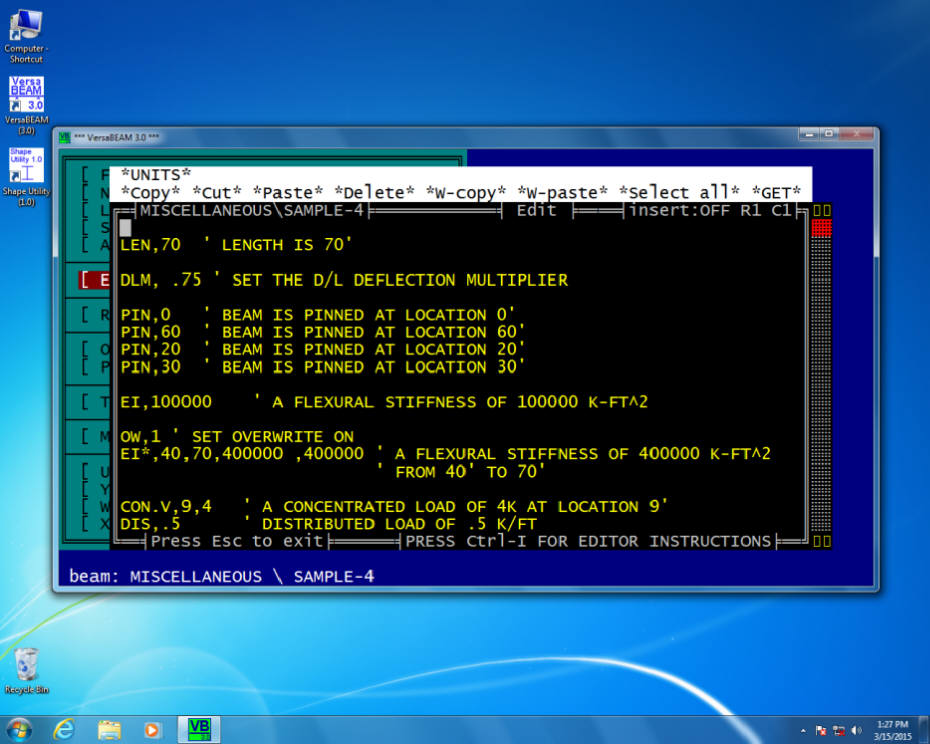
VersaBEAM 3.0 editor window
VersaBEAM 3.0 editor window / Edit menu
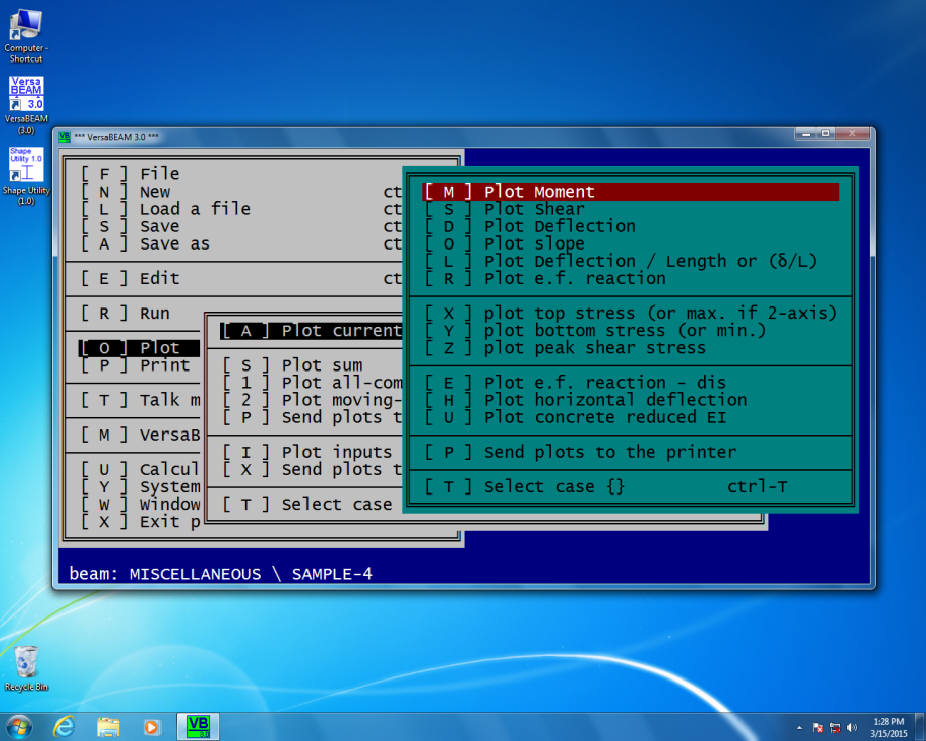
VersaBEAM 3.0 plot moment diagram command
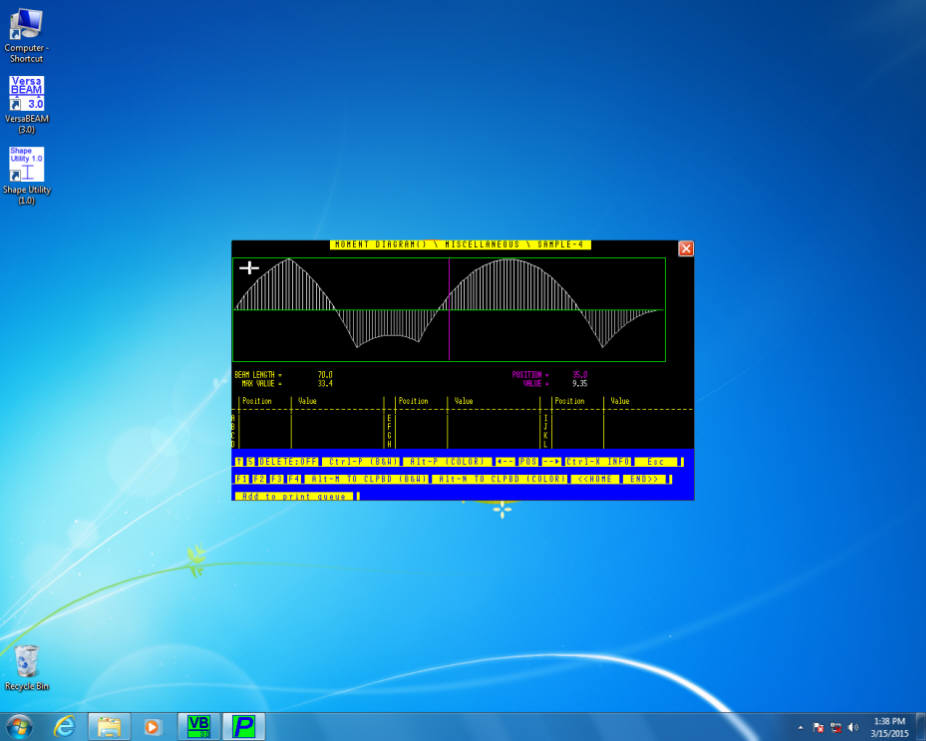
VersaBEAM 3.0 "small-size" view plot window / (set by pressing F1)
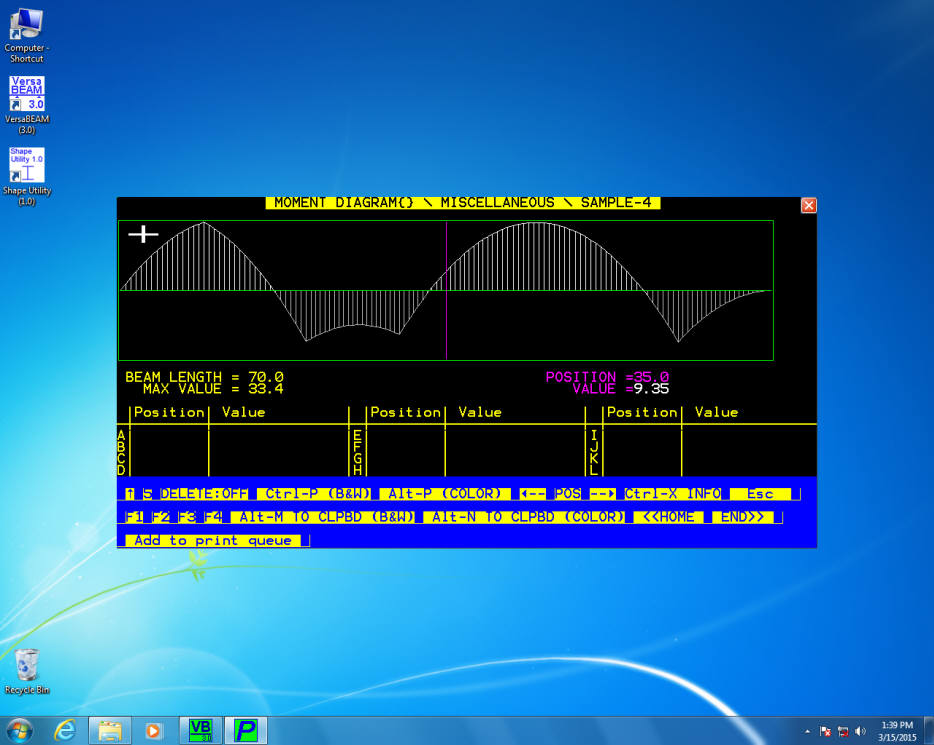
VersaBEAM 3.0 "medium-size" view plot window / (set by pressing F2)
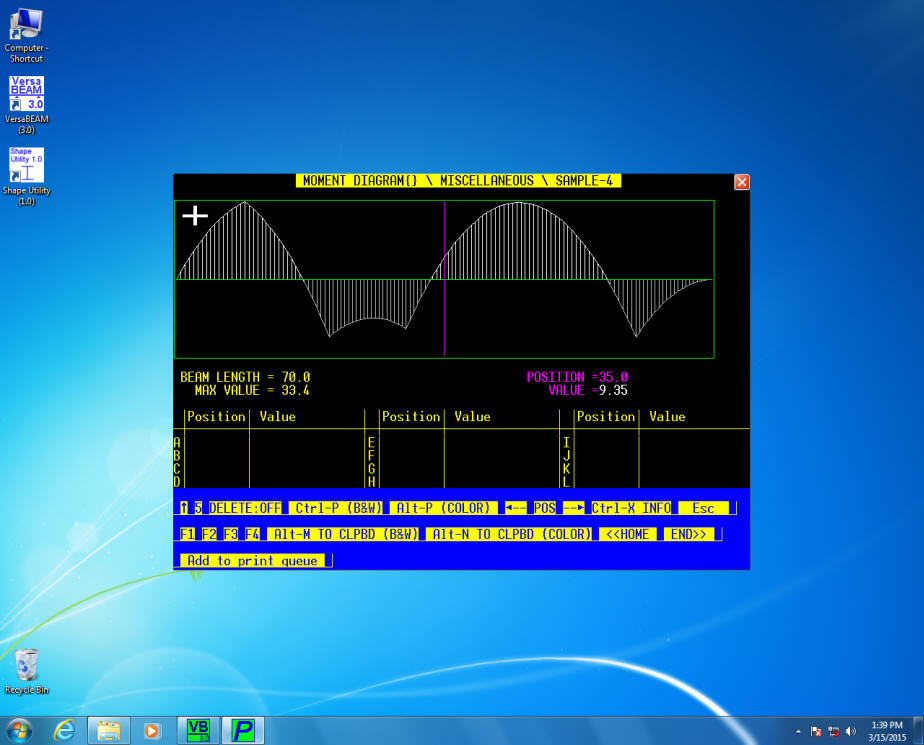
VersaBEAM 3.0 "large-size" view plot window / (set by pressing F3)
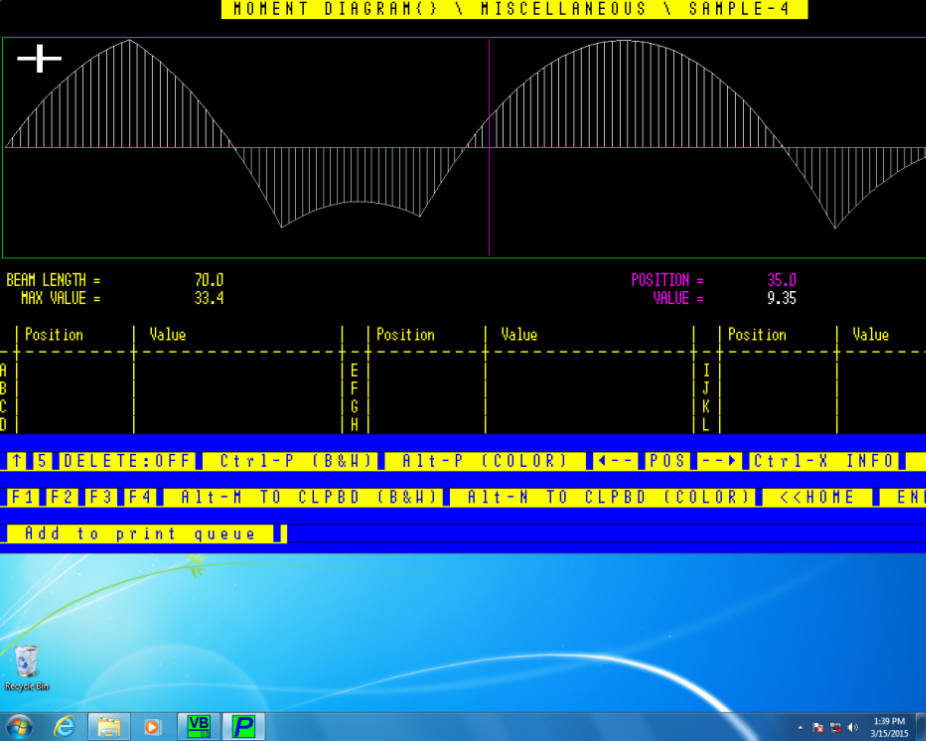
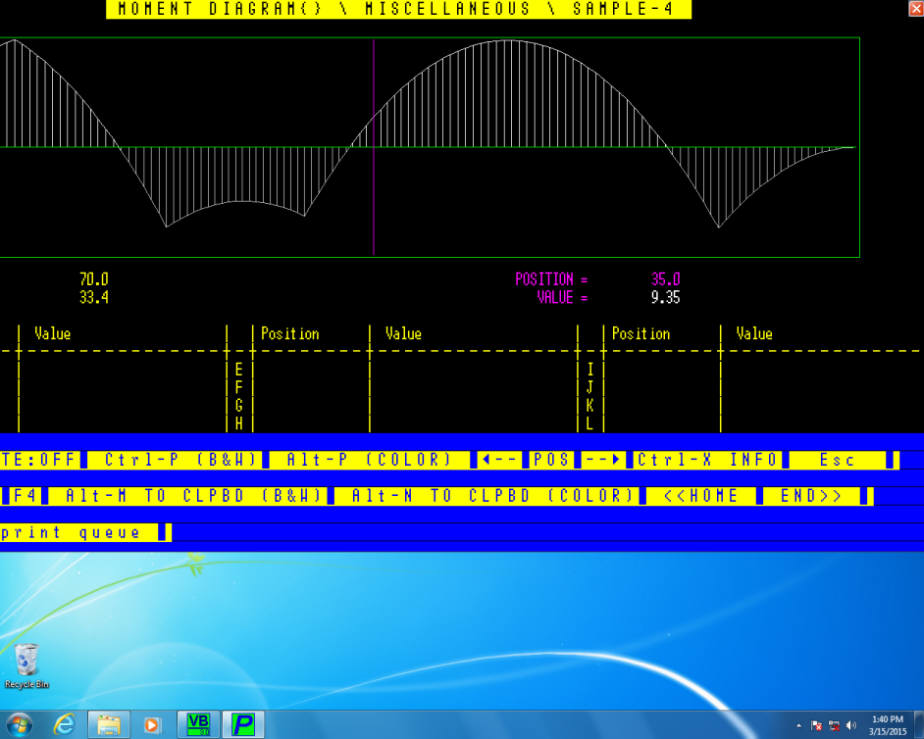
VersaBEAM 3.0 "extra-large-size" view plot window / (set by pressing F4)
This size is "scrolllable" if the windows is larger than the screen ! Simply move the mouse pointer left or right to scroll the window ! See next 2 view. Also, this is an excellent size for widescreen monitors.
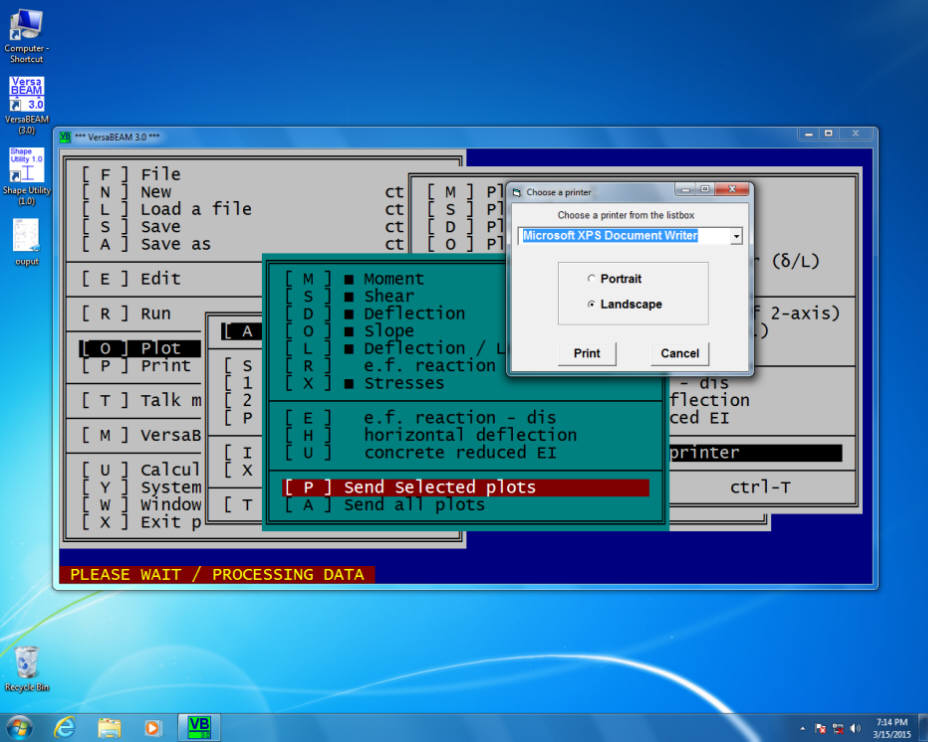
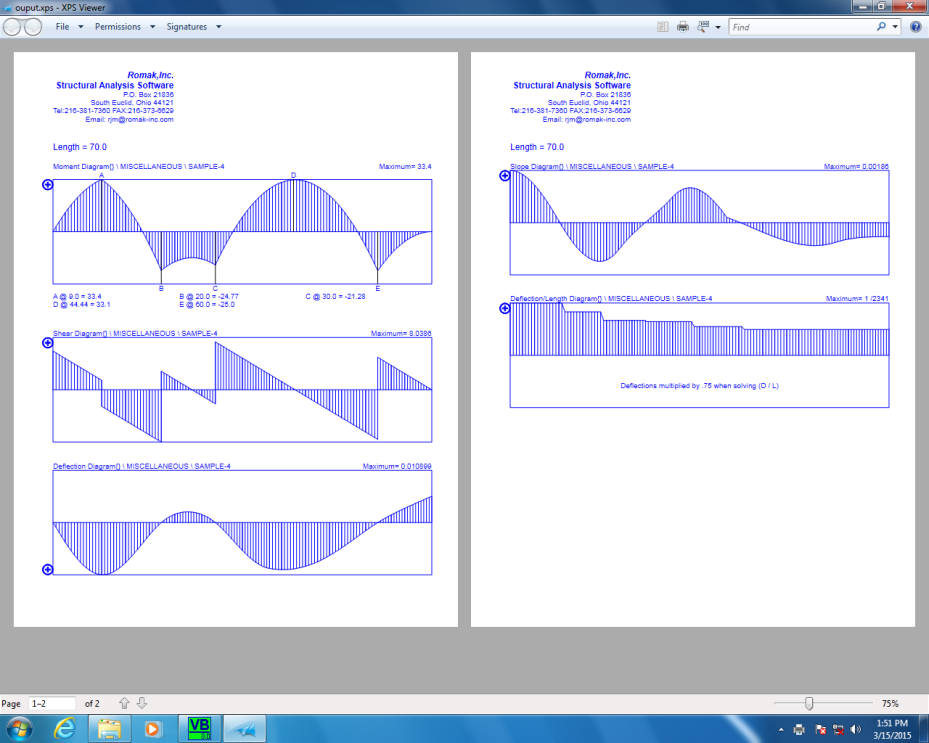
To print plots, on the menu, select the plots to be printed and then select "Send selected plots"!
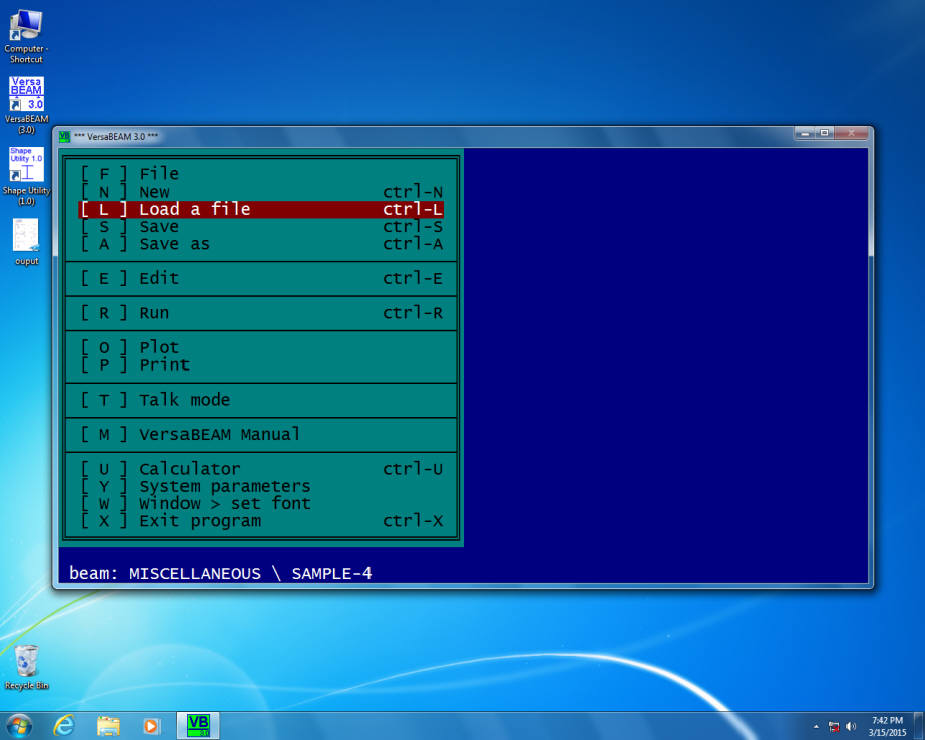
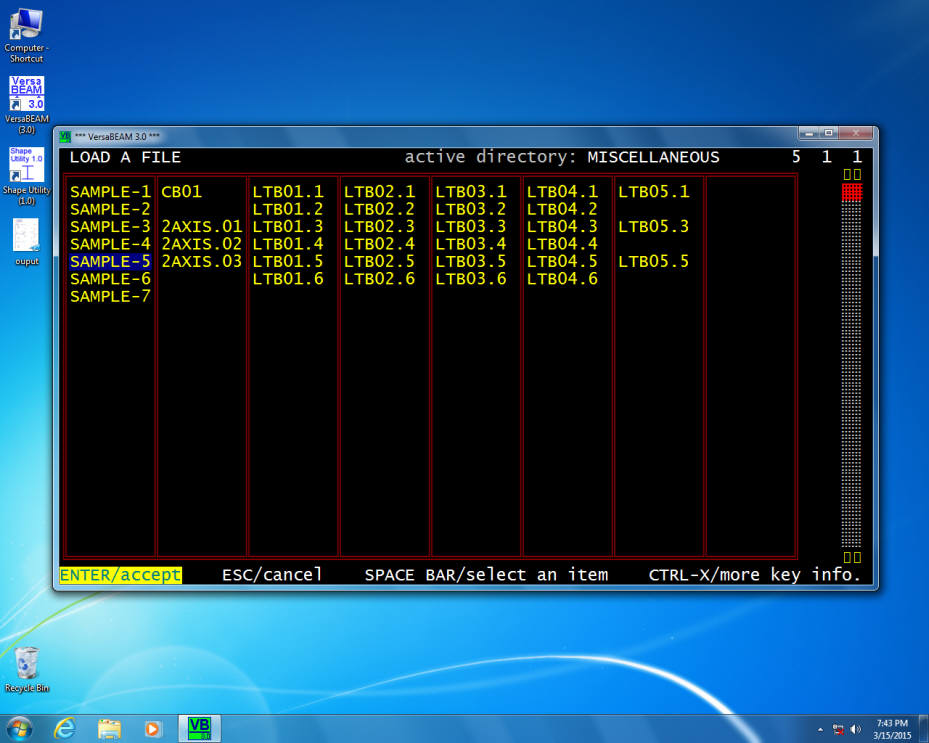
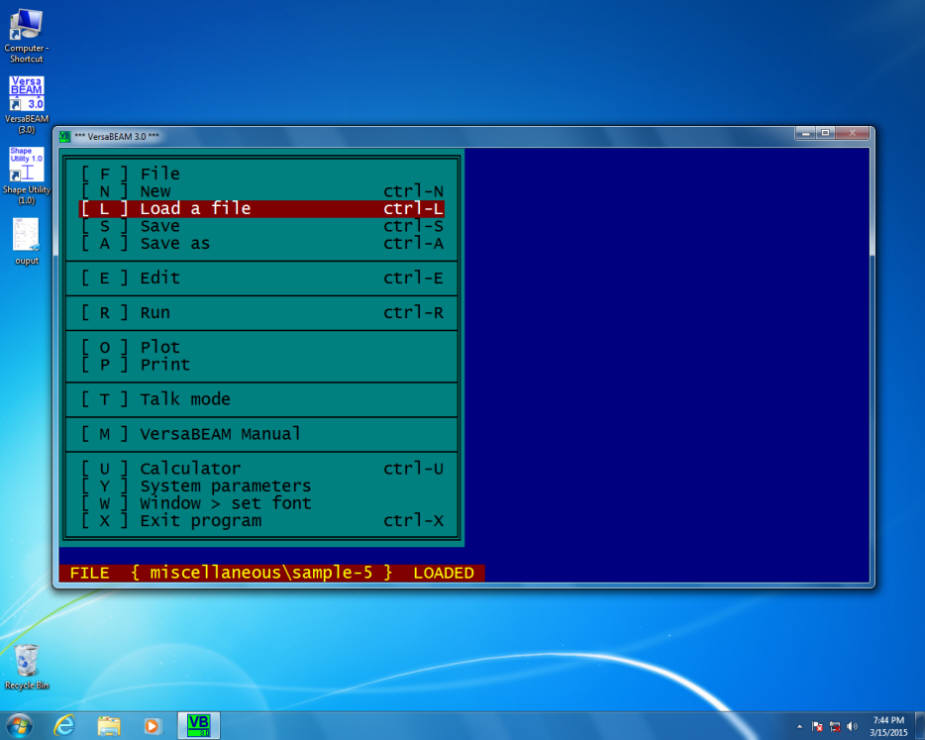
To load an input file, select "Load a file".
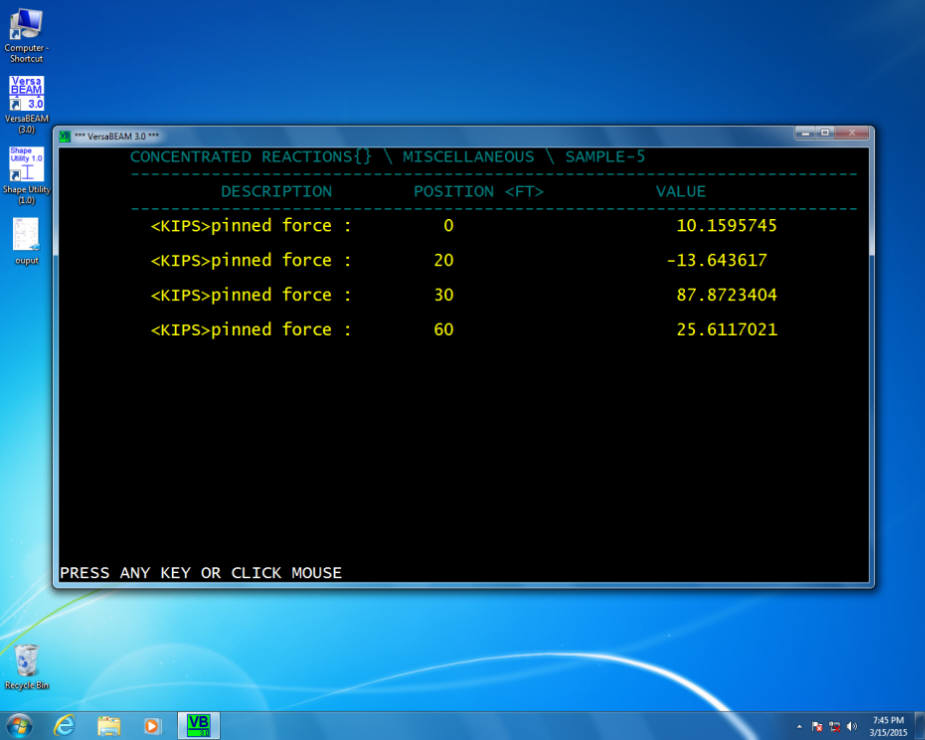
To print reaction, at the main menu select Print > Reactions. (note: the output has unit lables!)
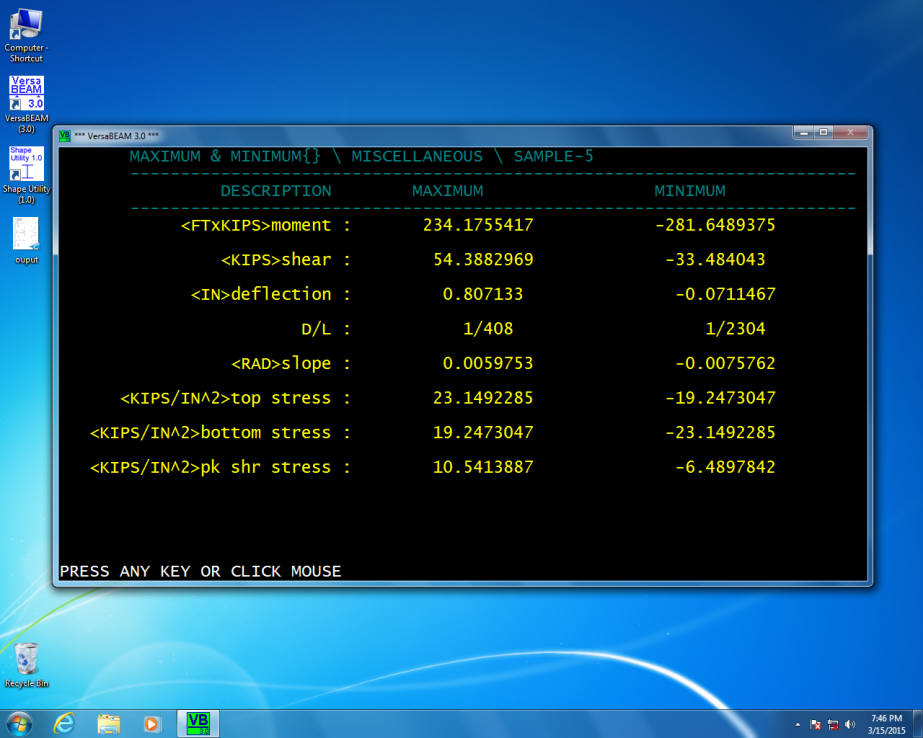
To print Max. & Min. , at the main menu select Print > Max. & Min (note: the output has unit lables!)
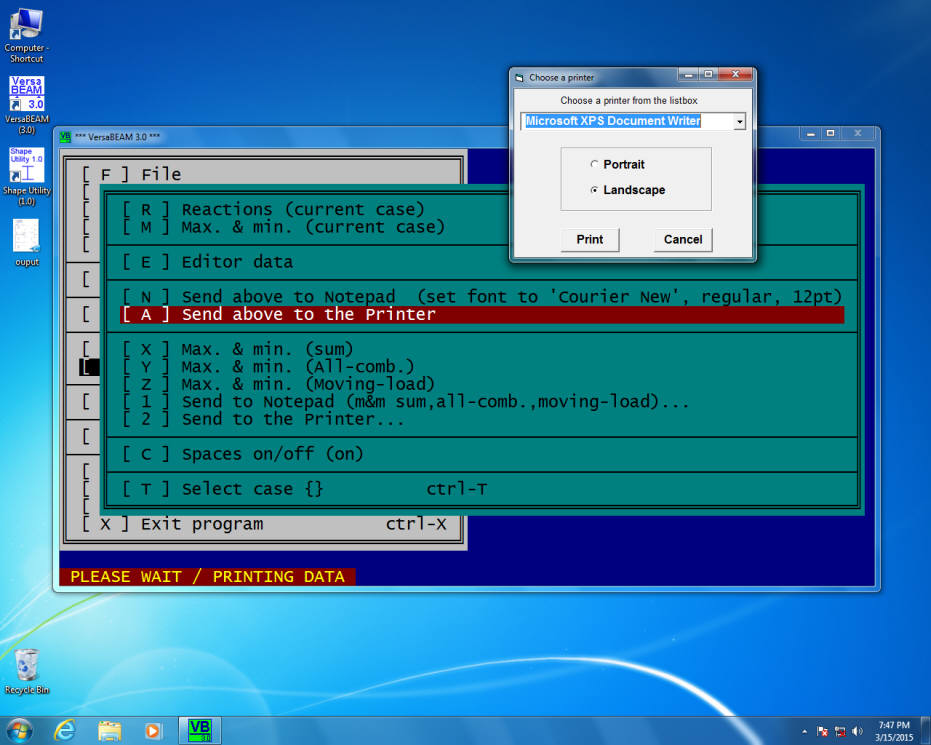
To printout Reactions, Max. & Min., and Editor data , at the main menu select Print > Send above to the printer
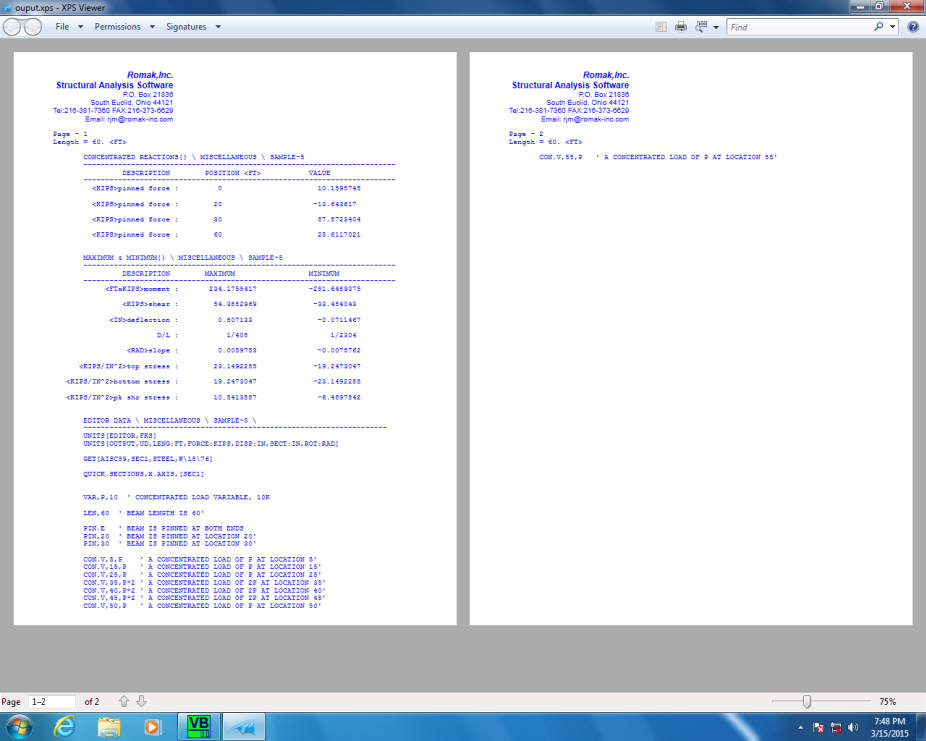
Reactions, Max. & Min., and Editor data printout.
